Your eyes get a break every 20 minutes.
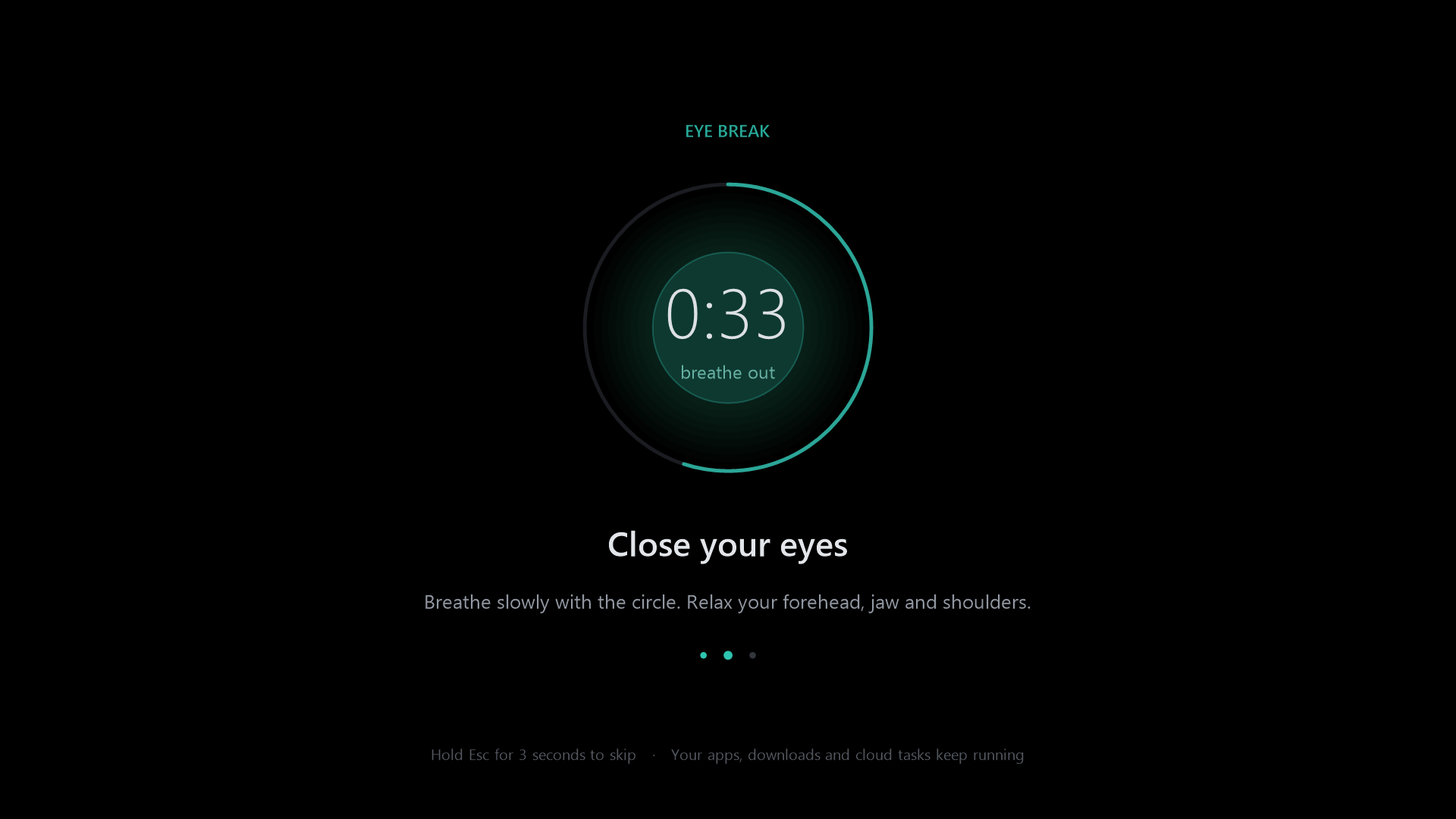
EyeBreak fades your screen to a calm, guided 1-minute rest. It waits for your meetings and presentations, and everything you're running keeps going underneath.

Small, quiet, always there
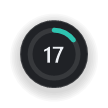
A 34 px ring sits on top of everything, fullscreen games included. Drag it anywhere and it remembers the spot.
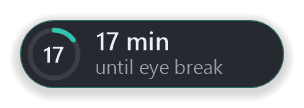
- 1See the time at a glanceThe ring fills up as your 20 minutes pass, with the minutes left in the middle.
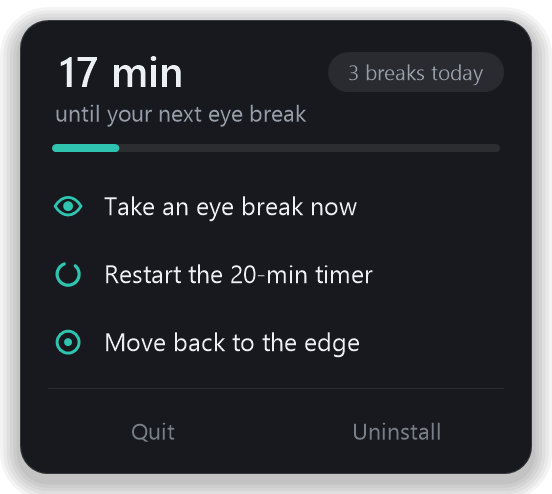
- 2One click for everythingTake a break now, restart the timer, or move it back to the edge.
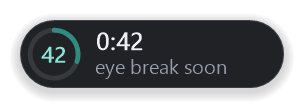
- 3A heads-up, not a surpriseIn the last minute the badge opens and counts down so you can finish your sentence.
Smart enough to stay out of the way
The timer always runs. When the break is due, EyeBreak checks whether now is a bad moment first.
Waits for meetings
Teams, Zoom, Meet, Webex, Slack, Discord and more. If your camera or call mic is on, the break waits and starts about a minute after the call ends.
Never interrupts a presentation
PowerPoint slideshows, presentation mode and fullscreen Slides, Keynote or Canva. Even the badge hides, so your audience never sees it.
Learns what matters to you
If an unknown app is using your mic, it asks once: "Is this a meeting?" Say yes and it remembers that app from then on.
Your work keeps running
The break is only a black window on top. Builds, downloads, renders and cloud jobs carry on untouched.
A guided minute
Look far away, close your eyes and breathe with the circle, then blink and roll. A soft chime tells you when to open your eyes.
An emergency exit
The keyboard pauses during the break so you actually rest. Hold Esc for 3 seconds if you really must skip it.
Everything in one small panel
Click the badge (or the tray icon) for your status, today's break count, and the few actions you might need. Click anywhere else to close it.
Install in 10 seconds
No installer wizard. The app sets itself up the first time you run it.
On Android
Questions
Why every 20 minutes?
It's the well-known 20-20-20 habit: every 20 minutes, look at something about 20 feet (6 m) away for at least 20 seconds. EyeBreak gives you a full minute and guides you through it.
Does it pause or slow down my other apps?
No. The break screen is just a black window on top. Nothing is paused, closed or put to sleep. EyeBreak itself uses roughly 0% CPU while it waits.
What happens if I lock my PC or it goes to sleep?
If you're away for a minute or more, that counts as a rest, so the 20 minutes start fresh when you're back.
Does it collect any data?
No. There's no network access at all. Meeting detection reads Windows' own "mic/camera in use" status and window titles locally on your PC.
How does the Android app work?
Same idea: a small floating badge with the minutes left, and a guided 1-minute break screen every 20 minutes. It waits while you're on a phone or video call, the camera or mic is in use, or you're casting. Screen off for a minute counts as a rest. Touch and hold for 3 seconds to skip a break.
How do I update or uninstall it?
To update, download the new EyeBreak.exe and run it; it replaces the old version. To remove it, click the badge and choose Uninstall.